
Download Media Go – media player, music, movies, TV series, games, Sony devices, content management, transfer tool, iTunes integration
Overview
Media Go is a dedicated multimedia management application designed specifically for users of Sony devices. Its primary purpose is to serve as a centralized hub for purchasing, organizing, and transferring digital content such as music, movies, TV series, and games. The app addresses the need for seamless content synchronization across Sony’s ecosystem, including smartphones, tablets, and gaming platforms like the PS3 and PSP. By offering a unified interface, Media Go simplifies the process of managing media libraries and ensures compatibility with Sony hardware, reducing user frustration during content transfers.
Target users include Sony device owners who seek an efficient way to manage their digital entertainment. The app is especially useful for individuals who frequently switch between devices and require consistent access to their media. While the developer, Sony Corporation, is well-known in consumer electronics, the app itself does not provide detailed technical documentation or user support channels beyond standard developer resources. Real-world use cases include transferring music playlists from a computer to a Sony smartphone or downloading exclusive PS3 games through the in-app store.
Within the broader app ecosystem, Media Go fills a niche for device-specific content management tools, offering a streamlined alternative to generic file managers. Although it is no longer actively updated, its core functionality remains relevant for users still relying on older Sony devices. The integration with iTunes further enhances its utility for users transitioning from Apple’s ecosystem, making it a practical tool for media consolidation.
Key Features & Functionality
- Media Library Management – Users can organize music, movies, TV series, and games into a centralized library, enabling quick access and efficient file categorization.
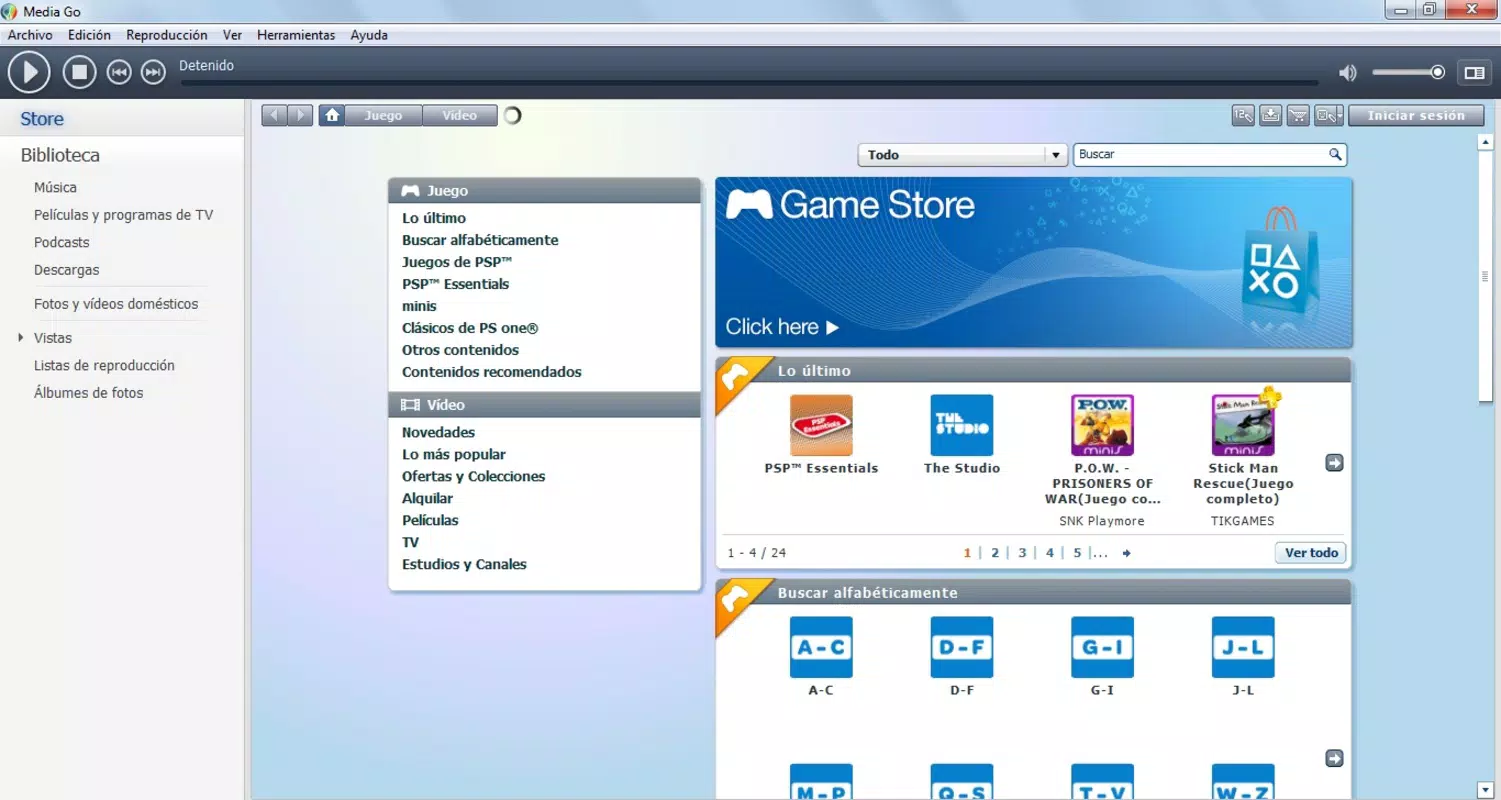
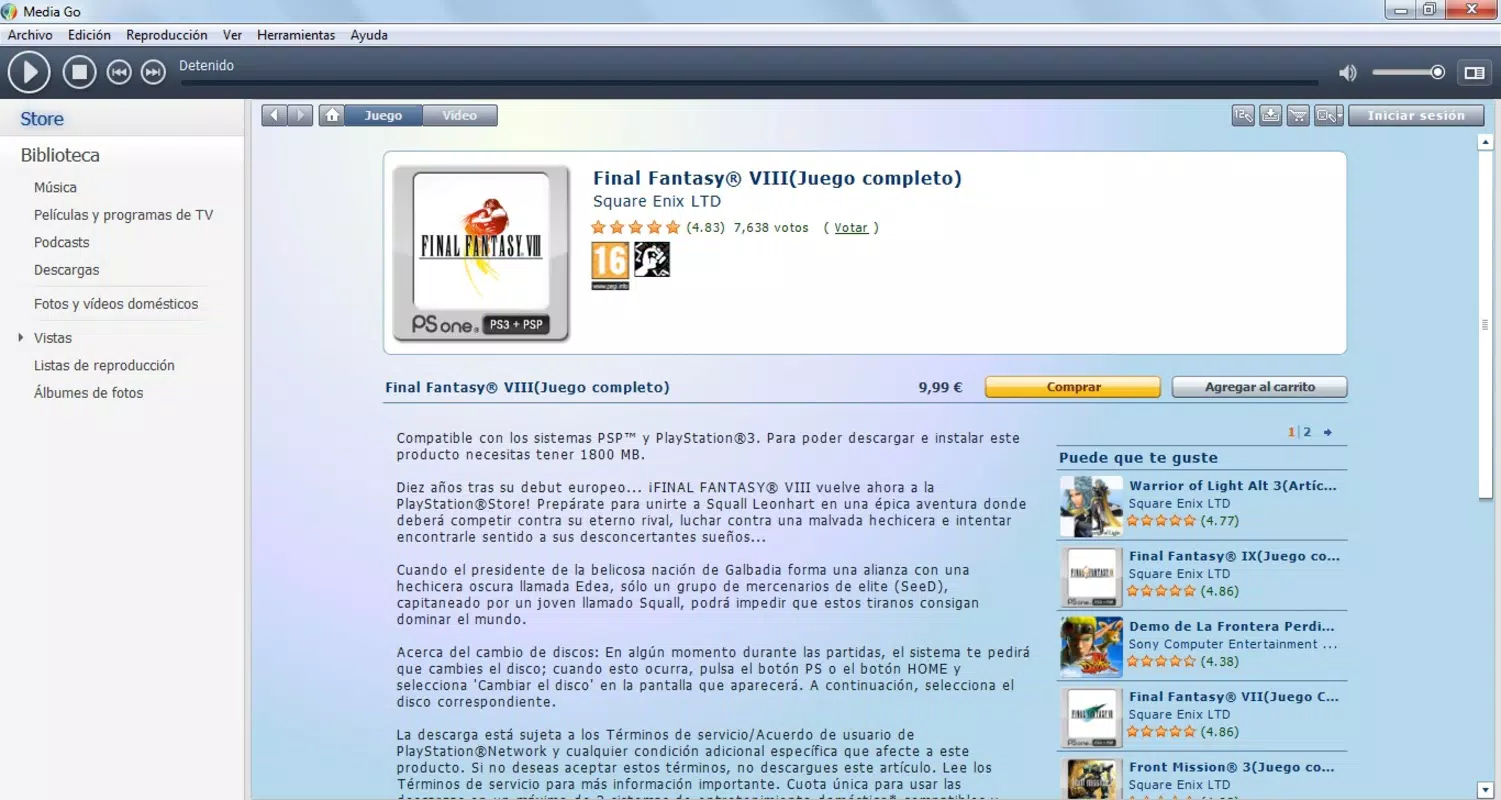
- In-App Store Integration – The application includes a dedicated store for purchasing exclusive content tailored to Sony platforms, ensuring compatibility and optimized playback.
- Direct Device Transfer – Media Go allows users to transfer purchased or imported media directly from a computer to Sony mobile devices and tablets, minimizing manual file handling.
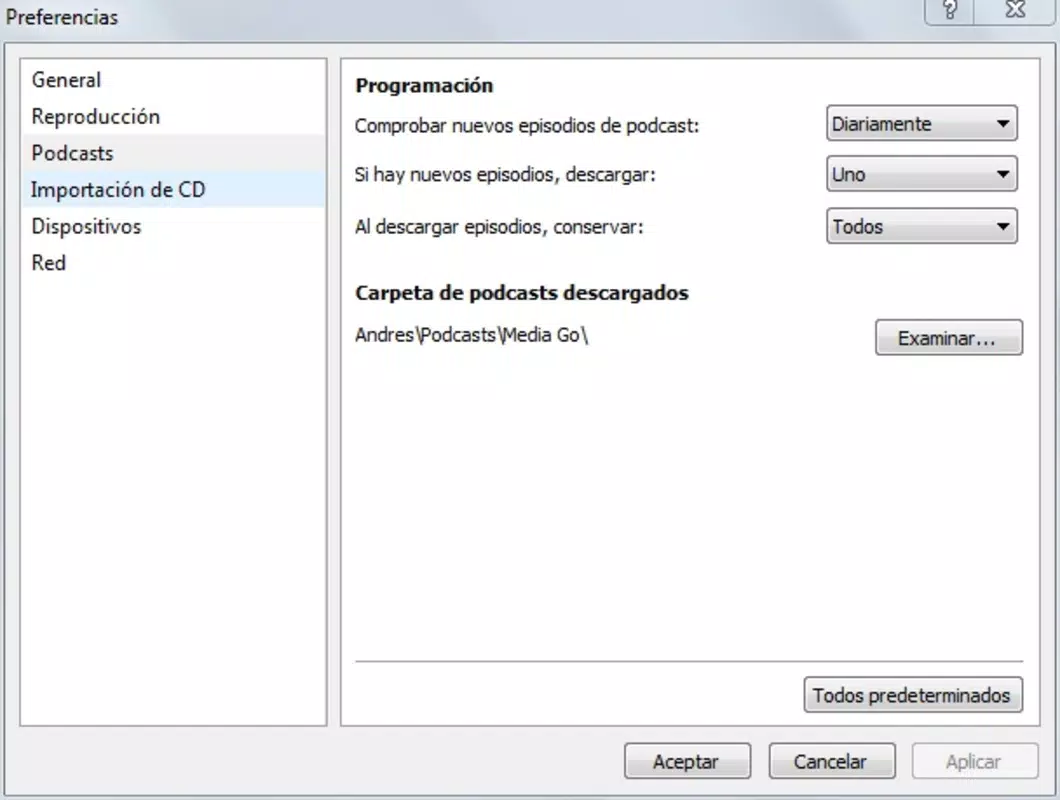
- iTunes Playlist Import – The app supports importing existing playlists from iTunes, simplifying the migration of personal music collections to the Media Go environment.
- Device-Specific Optimization – Content is optimized for Sony devices, ensuring smooth playback and consistent performance across supported hardware.
For example, a user with a Sony Xperia smartphone can import their favorite playlist from iTunes, sync it via Media Go, and enjoy uninterrupted playback on their device. Similarly, a PS3 owner can browse and download exclusive games through the app, transferring them directly to their console. The dual functionality of the library and store sections enables users to both manage existing content and discover new media, all within a single interface. This structure enhances usability, particularly for users managing multiple Sony products.
Interface, UX & Performance
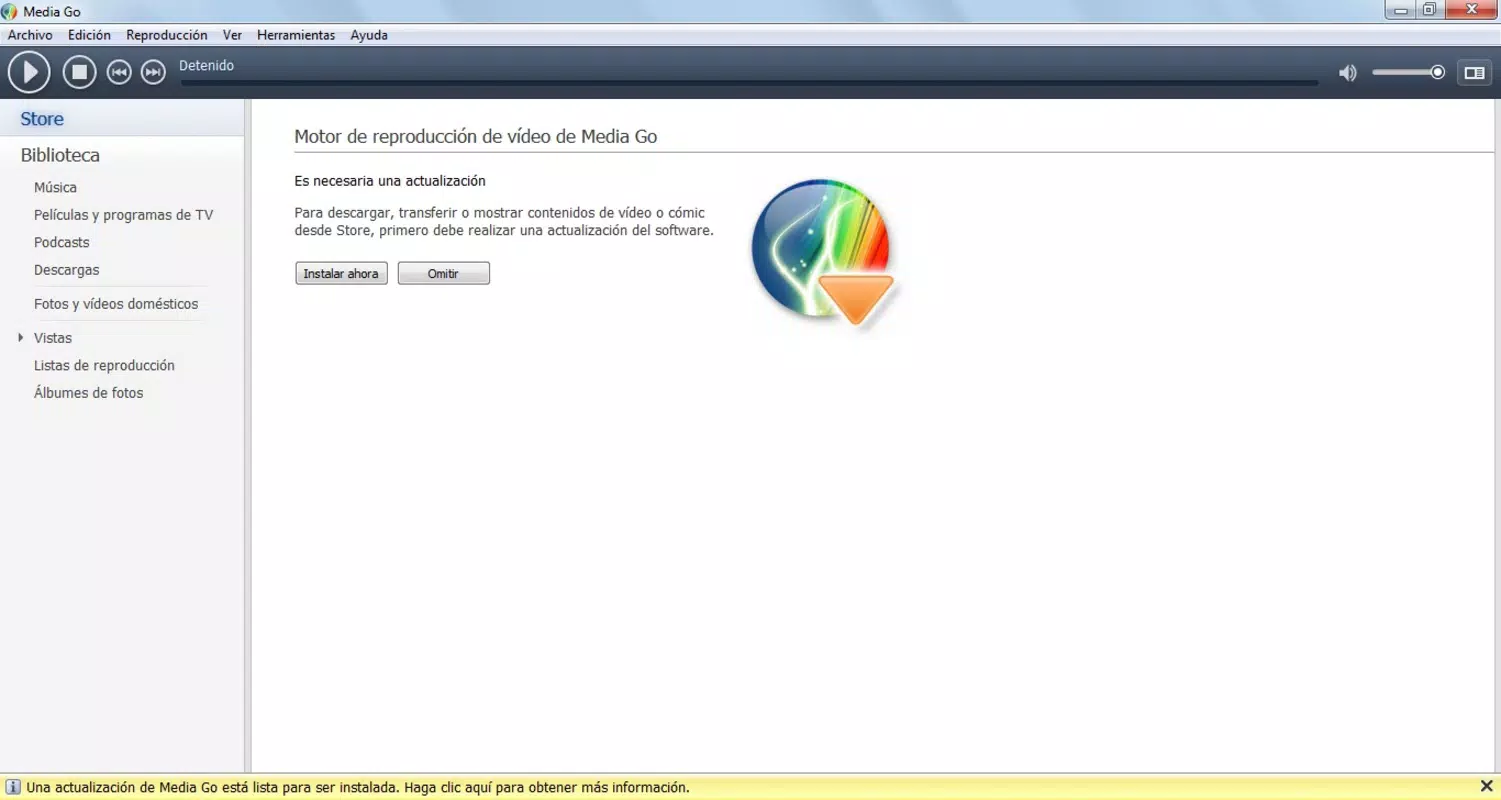
Media Go features a clean, organized interface designed to support intuitive navigation across its core functions. The layout separates the media library and store sections clearly, allowing users to switch between managing existing content and exploring new purchases without confusion. Visual elements are minimal yet functional, emphasizing content visibility and access speed. The design prioritizes usability, making it accessible to users of varying technical skill levels.
Navigation is straightforward, with menu options grouped by content type and device compatibility. Users can browse, search, and filter media using standard controls, though the app does not include advanced customization options. Responsiveness is consistent across supported devices, though performance may vary depending on hardware capabilities and operating system versions. Although the developer did not list formal performance metrics, users report stable operation during typical usage scenarios such as playlist transfers and content browsing.
Stability appears to be reliable for core tasks, with minimal crashes reported during normal operation. However, the app’s age may affect compatibility with newer devices or OS updates. The user experience remains largely functional, though it lacks modern design elements such as dark mode or gesture-based navigation. Overall, the interface supports efficient content management with a focus on clarity and purpose-driven layout.
Platform Compatibility & Technical Requirements
Media Go is available on both Android and iOS platforms, making it accessible to a wide range of Sony device users. The current version is 2.0, with a file size of 15.6 MB, indicating a lightweight installation footprint. The app is free to download and use, removing financial barriers to entry. While the developer did not specify minimum OS requirements, users are advised to ensure their devices meet the baseline compatibility standards for their respective platforms.
Compatibility information was not fully disclosed, so users should verify whether their device model and operating system version are supported. The app’s release date of October 10, 2012, suggests it was developed during a period of active Sony ecosystem expansion. As such, it may not be optimized for the latest mobile OS versions or hardware advancements. Users of newer devices may encounter limitations in functionality or performance due to outdated codebase and lack of recent updates.
Pros and Cons
- Specifically designed for Sony devices, ensuring optimal compatibility
- Offers both media management and in-app purchasing capabilities
- Supports seamless transfer of content between computer and Sony devices
- Enables import of iTunes playlists, easing migration from Apple ecosystem
- Lightweight app size with no cost to download and use
- Not updated since 2012, limiting support for modern devices and OS versions
- Developer did not provide detailed technical specifications or system requirements
- Limited to Sony ecosystem; not suitable for non-Sony users
- Interface lacks modern design trends such as dark mode or touch gestures
- May experience compatibility issues on newer smartphones and tablets
FAQ
Is Media Go still safe to use on modern devices?
The app is free from known malware and is distributed by Sony Corporation. However, due to its age and lack of updates, compatibility with current operating systems cannot be guaranteed.
Can I use Media Go with non-Sony devices?
Media Go is specifically designed for Sony devices. While it may install on non-Sony hardware, functionality may be limited or non-existent.
Does Media Go require an internet connection?
Yes, an internet connection is required for accessing the in-app store, downloading content, and syncing media across devices.
How do I update Media Go?
As of now, no updates are available through official app stores. Users should check Sony’s official website for legacy versions or alternative tools.
Is Media Go compatible with the latest Android and iOS versions?
Compatibility information was not fully disclosed. Users of recent devices may experience issues due to outdated app architecture.
Final Thoughts
Media Go remains a functional tool for Sony device users seeking a dedicated solution for managing and transferring multimedia content. Its ability to integrate with iTunes, support direct device transfers, and offer exclusive content makes it a valuable asset within the Sony ecosystem. While the app’s age and lack of updates present challenges for modern users, its core features continue to serve those maintaining older devices.
For individuals invested in Sony hardware and looking for a reliable, free content management tool, Media Go delivers consistent value. It is particularly beneficial for users who need to migrate music libraries from iTunes or transfer media to PS3 and PSP devices. Despite its outdated interface and limited compatibility, the app’s focused functionality sets it apart from generic file managers.
Download Media Go now


